Menu

Labels

Sunday, 10 September 2017

FreeCad tutorial - part 01_02 - Getting started - Navigation

Wih the progress of making pottery wheel, i'll do my best to cover tools i use, and similar stuff. It is very important for sure, if someone is having problems with the specific part of the program.
I think, it will take a lot of time for me, to make and cover all there is to  cover throughout this tutorials. But, as tutorials go deeper from basics to the concepts which are, in a way, a bit more complicated, i'll take any suggestion, for the specific area i'm in, to cover.

Covered in this tutorial:

1. Selecting
2. Preselection
3. Multiple selection
4. Pan mode
5. Zoom mode
6. Rotate mode
7. Navigating with mouse only

Wednesday, 6 September 2017

FreeCad tutorial - part 01_01 - Getting started - Intro

Throughout following tutorials i'll cover in depth as many segments, tools, workbenches, concepts and other stuff i am able to cover, as well examples of different objects and products.

For now, in this tutorials of making pottery wheel, i'll mostly cover basics, or stuff to get started. It might be useful for those who are a bit more familiar with Freecad.

If this video is a bit faster for someone to follow, just use pause button, of course, anyone can inform me with this kind of problems, i'll adjust future videos. 

I don't have any specific plan of uploading, every tutorial will be uploaded as soon as it is ready to be published.


Sunday, 19 March 2017

Blender 3D - Interior Design (experimental renderings) #007

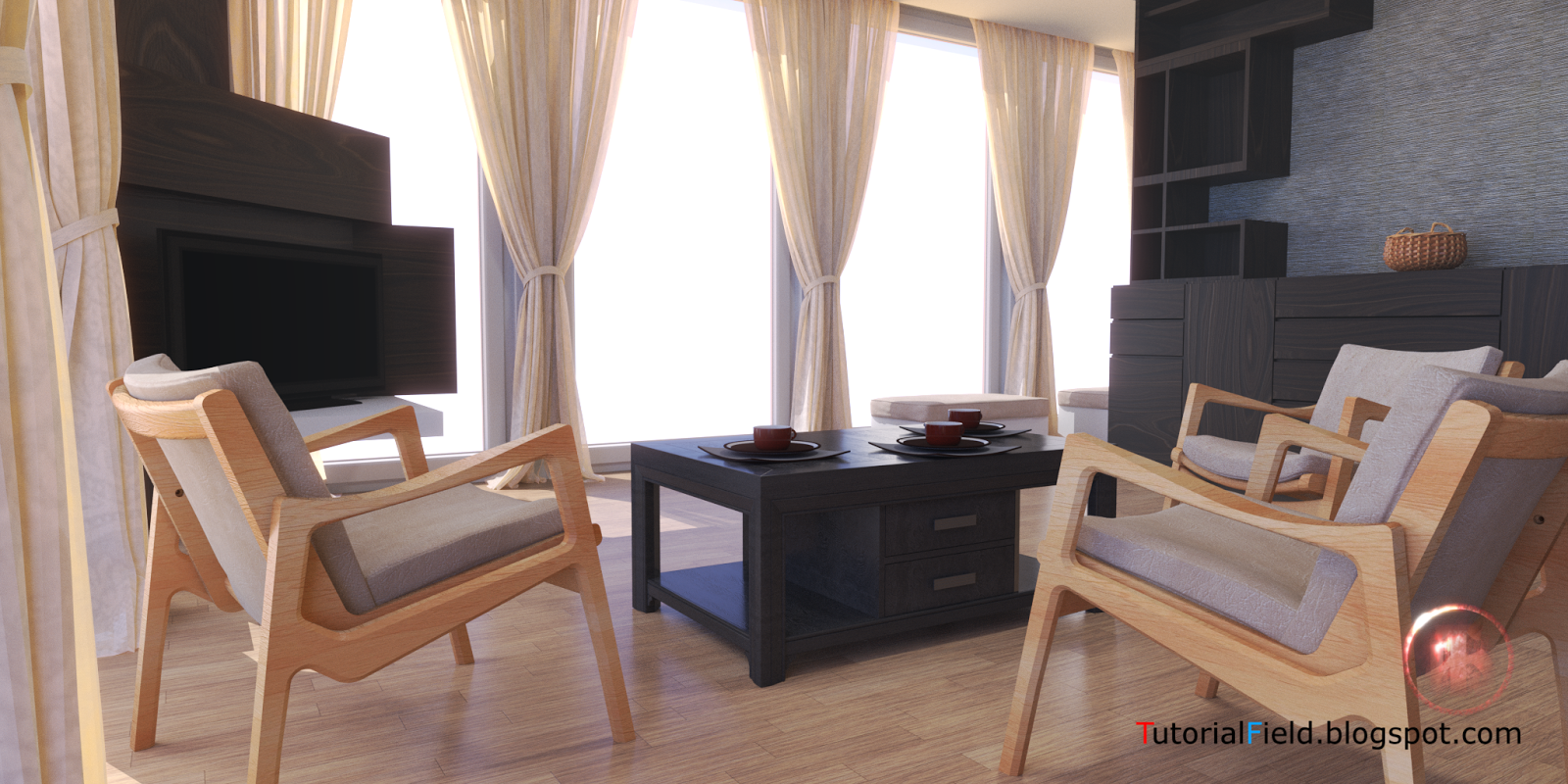
This interior is for testing purpose as well, lightning tests in general. Main focus were transsmision passes, SSS passes and open walls, to test light entering through windows.

Cycles
Rendering time: ~120 min
Samples: 1000
Resolution: 2048 x 1024


Wednesday, 15 March 2017

Blender 3D - Interior Design (experimental renderings) #006

Renderings are lightning experiments for now. After some more interor projects, node setup, settings, light setup, material setup and other stuff, i will upload all of those in a form of tutorials, presentations etc.


Monday, 27 February 2017

Blender 3D - Interior Design (experimental renderings) #005


This is simple, comfort, contemporary interior, designed to keep open space, and movable or portable, so to speak, elements, with no expensive wall fixed atachments, like beds, tables, or cabinets, exept kitchen, off course... Even cabinet doors are required to be without details or handles.

In overall impression, space must be light, not to many color variations, and have comfort.

Renderings are at experimental stage, with less than hour, no less than 40 min., rendering time.
- rendered in cycles (Blender)
- 1000 samples
- 40 to 60 min.
- 1920x1080 px


Wednesday, 8 February 2017

Blender 3D - Interior Design (experimental renderings) #003


    I'll start with a couple of experimental renderings, sience i hadn't done anything for a 3 years period. A lot of free time for a designer, i think...
    Nothing much for now, it is small house, two floors, some space and a decent light coming inside. I don't have too much interest in styles, when decorating comes into question, but i do like to see, and to be in one, interior space, which is "up to date", so to speak. By that i mean not too minimalistic, or not too overwhelmed, but simple, modern and that can satisfied our common needs, as our modern time requires.
    Idea is to find the best and fatest solution for a final render. Short rendering time and good quality. 
Technical stuff for renderings below are:
Cycles:
- 500 samples
- 3840 x 2160 px
- time: aorund 90 min...
- and node setup, to reduce noise...
    Now my trick in making noiseless image, is more than simple. 500 pixels is enough information for one render, to be able to determine what is in the render. Important thing to know about this solution, is that rendering in smaller resolution doesn't work as well as it is done with a higher image resolution. In my case it is 3840x2160px.
    In future posts and articles i'll provide more examples with a different interior situations...


click on the image for larger preview


click on the image for larger preview


click on the image for larger preview


click on the image for larger preview