Menu

Labels

Wednesday, 20 September 2017

FreeCad tutorial - part 01_06 - Getting started

Covered in this tutorial:
- Sketch
- Part Design
- Rectangle
- Pad
- Equality constraint
- Symmetry constraint
- Horizontal distance constraint
- Vertical distance constraint
- Save document

- - - - - - - - - - - - - - - - -


Monday, 18 September 2017

FreeCad tutorial - part 01_05 - Getting started

Covered in this tutorial:
- Sketch
- Part Design
- Rectangle
- Pad
- Pocket
- Equality constraint
- Symmetry constraint
- Horizontal distance constraint
- Vertical distance constraint
- Save document

- - - - - - - - - - - - - - - - -
Saturday, 16 September 2017

FreeCad tutorial - part 01_04 - Getting started

Covered in this tutorial:
- Sketch
- Part Design
- Rectangle
- Pad
- Pocket
- Equality constraint
- Symmetry constraint
- Horizontal distance constraint
- Vertical distance constraint

Thursday, 14 September 2017

FreeCad tutorial - part 01_03 - Getting started

Wih the progress of making pottery wheel, i'll do my best to cover tools i use, and similar stuff. It is very important for sure, if someone is having problems with the specific part of the program.
I think, it will take a lot of time for me, to make and cover all there is to  cover throughout this tutorials. But, as tutorials go deeper from basics to the concepts which are, in a way, a bit more complicated, i'll take any suggestion, for the specific area i'm in, to cover.

Covered in this tutorial:

- Sketch
- Part Design
- Rectangle
- Pad
- Pocket
- Equality constraint
- Symmetry constraint
- Horizontal distance constraint
- Vertical distance constraint

Sunday, 10 September 2017

FreeCad tutorial - part 01_02 - Getting started - Navigation

Wih the progress of making pottery wheel, i'll do my best to cover tools i use, and similar stuff. It is very important for sure, if someone is having problems with the specific part of the program.
I think, it will take a lot of time for me, to make and cover all there is to  cover throughout this tutorials. But, as tutorials go deeper from basics to the concepts which are, in a way, a bit more complicated, i'll take any suggestion, for the specific area i'm in, to cover.

Covered in this tutorial:

1. Selecting
2. Preselection
3. Multiple selection
4. Pan mode
5. Zoom mode
6. Rotate mode
7. Navigating with mouse only


Wednesday, 6 September 2017

FreeCad tutorial - part 01_01 - Getting started - Intro

Throughout following tutorials i'll cover in depth as many segments, tools, workbenches, concepts and other stuff i am able to cover, as well examples of different objects and products.

For now, in this tutorials of making pottery wheel, i'll mostly cover basics, or stuff to get started. It might be useful for those who are a bit more familiar with Freecad.

If this video is a bit faster for someone to follow, just use pause button, of course, anyone can inform me with this kind of problems, i'll adjust future videos. 

I don't have any specific plan of uploading, every tutorial will be uploaded as soon as it is ready to be published.


Sunday, 19 March 2017

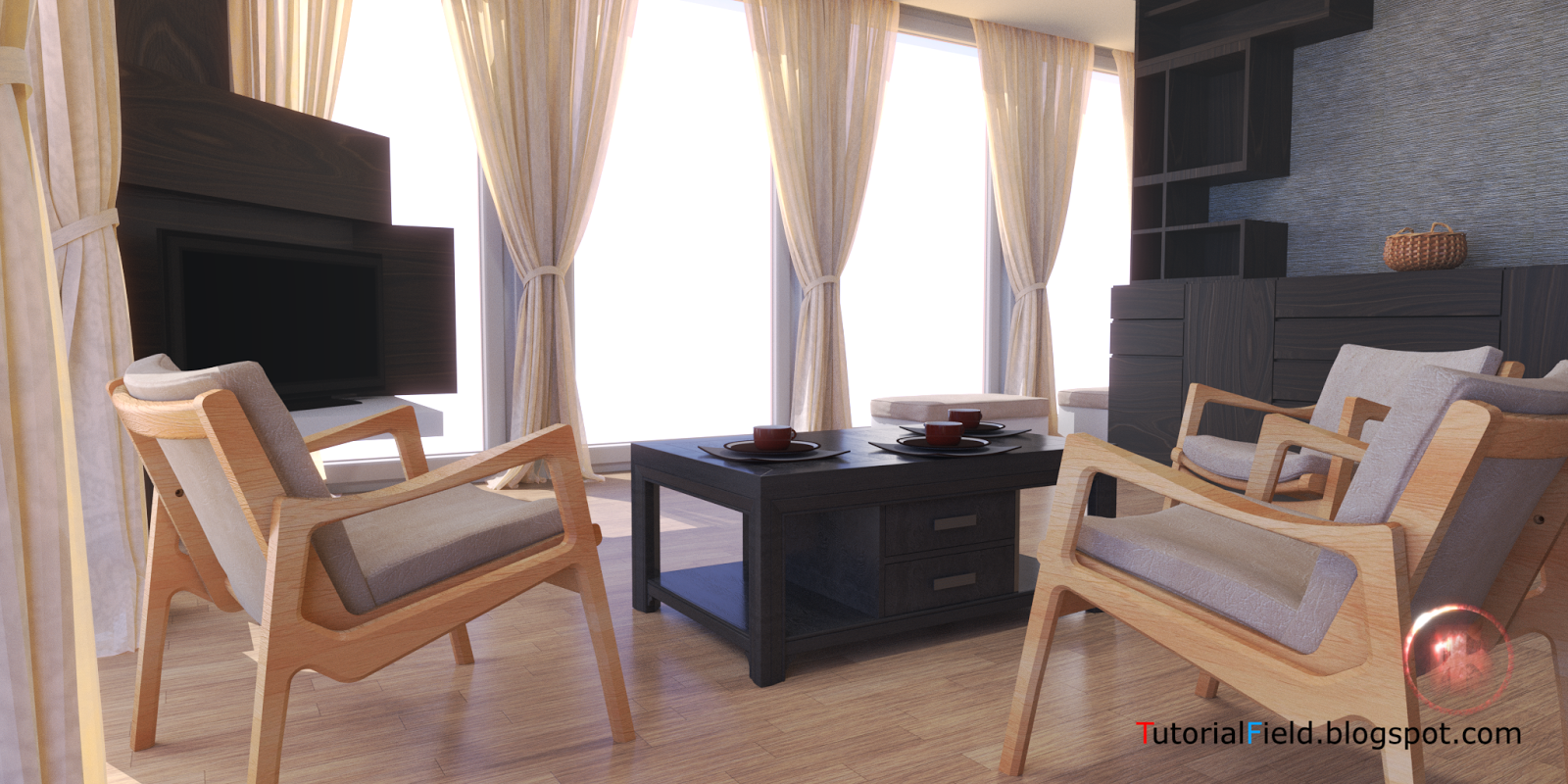
Blender 3D - Interior Design (experimental renderings) #007

This interior is for testing purpose as well, lightning tests in general. Main focus were transsmision passes, SSS passes and open walls, to test light entering through windows.

Cycles
Rendering time: ~120 min
Samples: 1000
Resolution: 2048 x 1024